-Update: Denti BETA v0.3.1▾
Update: Denti BETA v0.3.1
Denti is a PHP-powered image sharing program. Has many ways to configure it to allow as much or as little user interaction as you'd like. Additionally, you can grant others permission to post too, allowing sharing of the platform.
Some built-in moderation tools allow easy maintenance of user posts and comments. Including user-made reports and moderator quarantined posts being shown here. If set, comments can be set to require approval before being shown publicly too.
As of this post, Denti is in BETA version 0.3.1. Not all features have been implemented but anything shown in this post is already included!
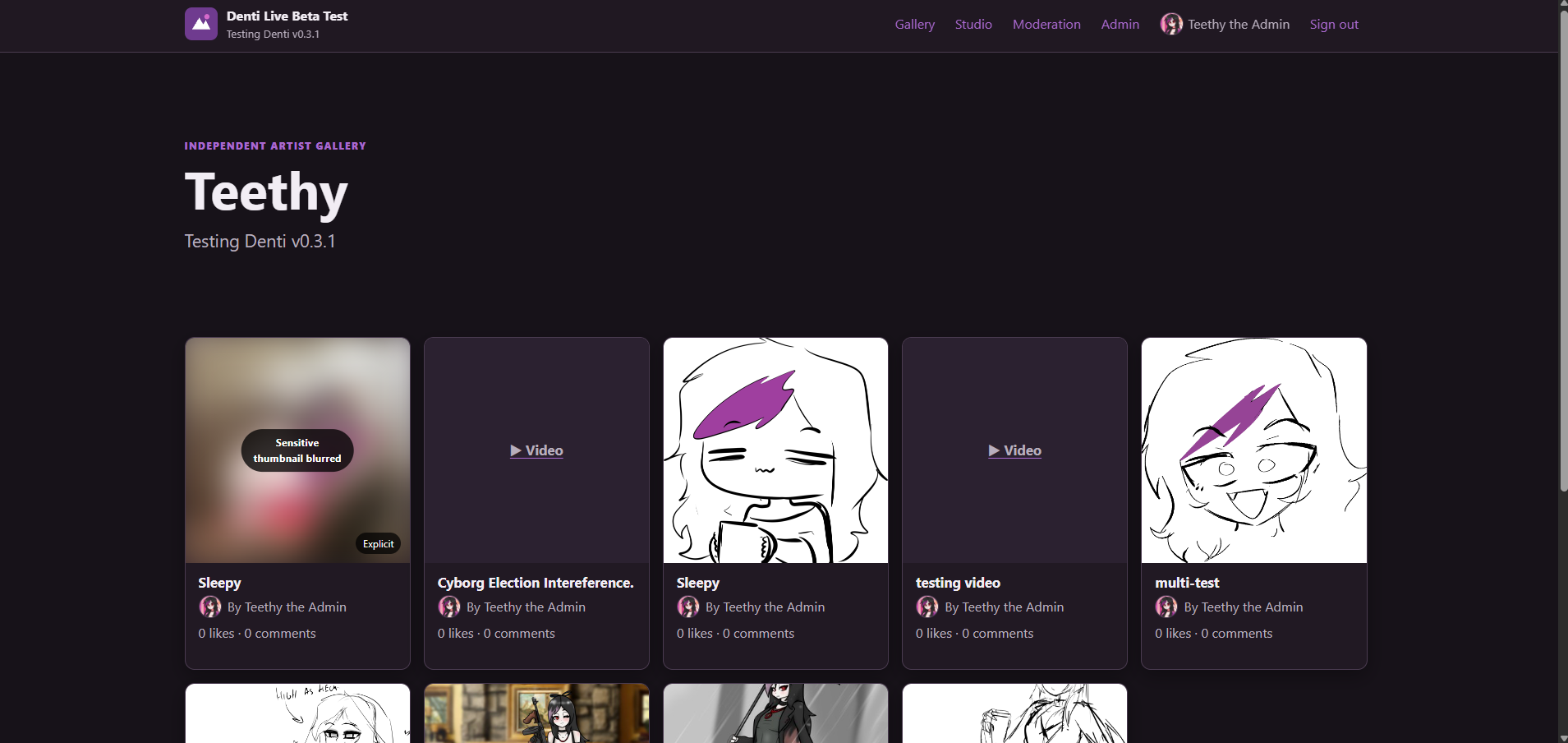
Denti Preview Homepage
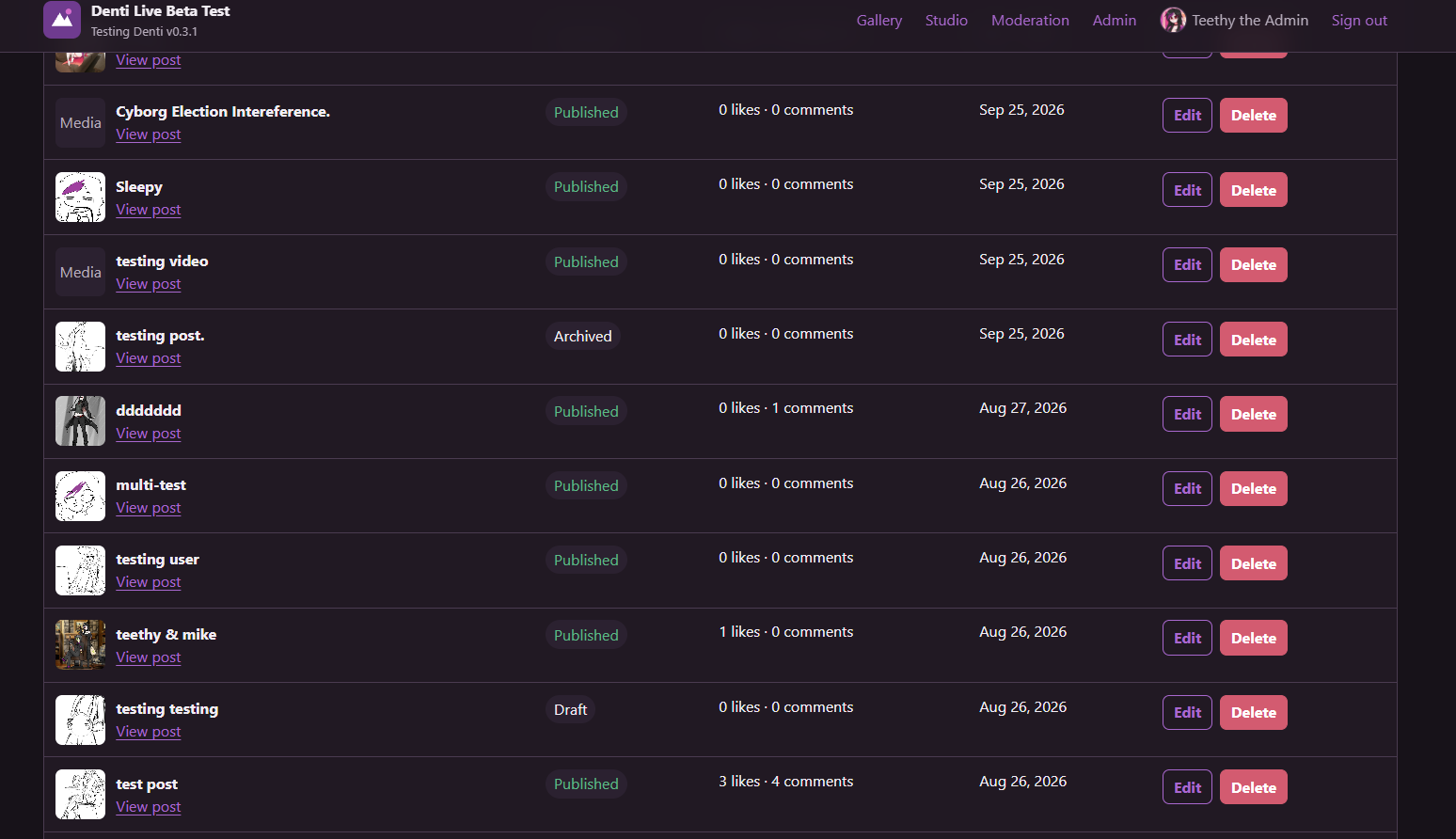
In Studio View you and other users with the correct permissions can view and modify the state of posts. It is mainly for an artist to add/edit/remove things. Archived and Draft posts are hidden from public view.
Studio View
Much of the settings can be toggles or modified in the admin page.
Site Settings Admin Menu
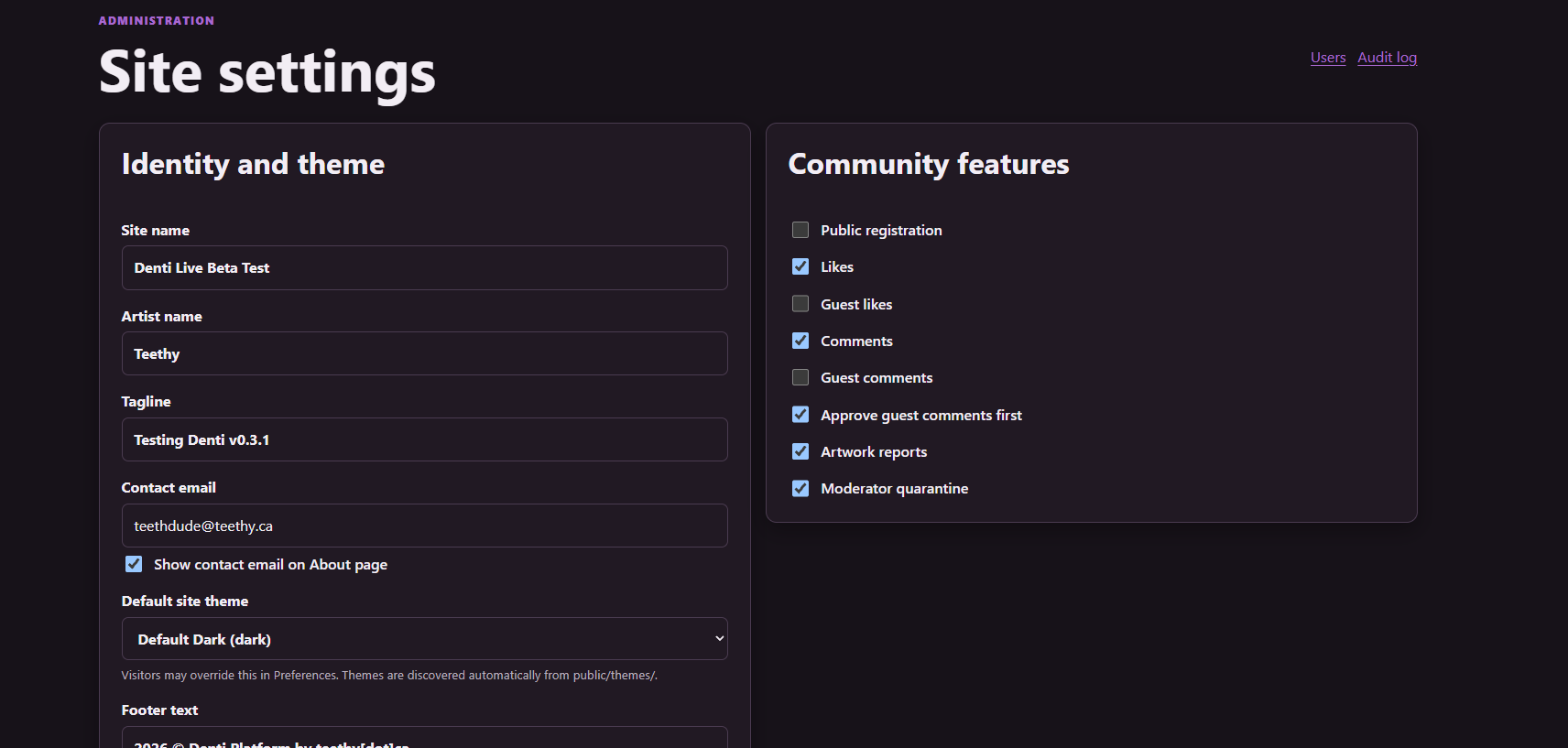
Site Settings Admin Menu
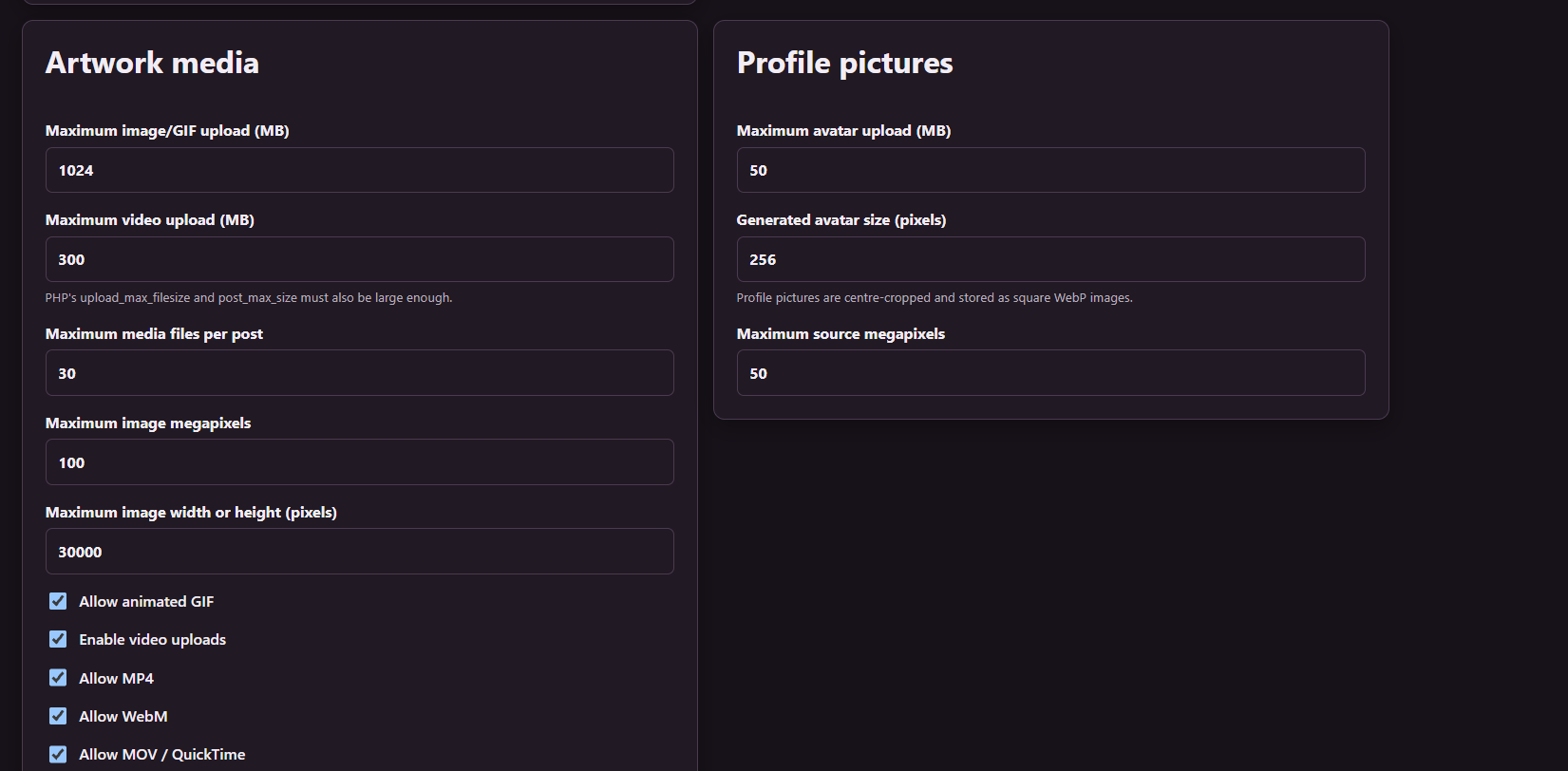
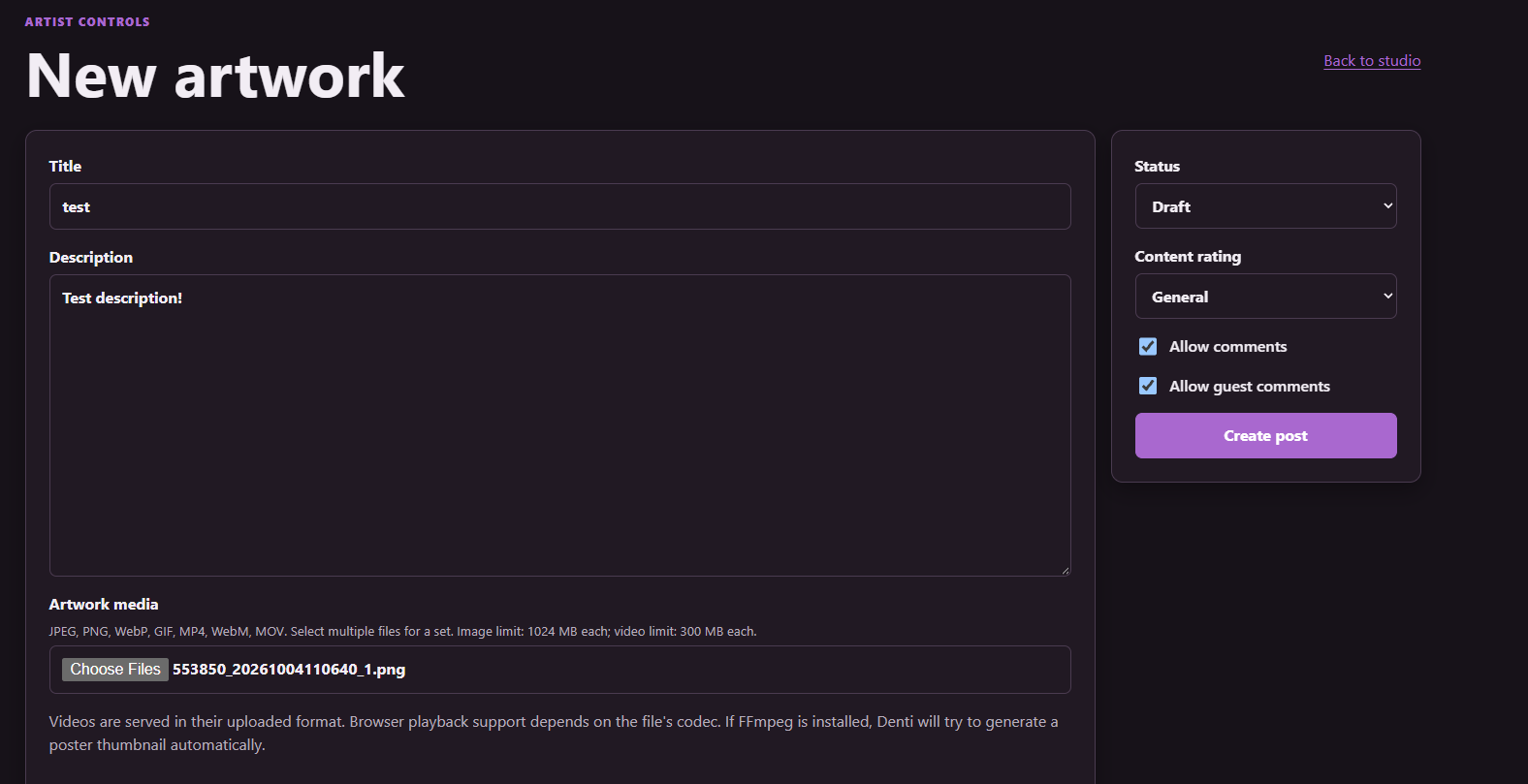
When making a post, you can select multiple files of any size depending on what you set in the configuration. You can give the post a title, a description and select the Status, again, Archived and Draft posts are hidden from public view. Then also select the content rating according to what it contains. Mature and Explicit add a blur to the thumbnail by default unless you turn off that feature, however, it doesn't stop the user from opening and viewing the full post.
Making Posts
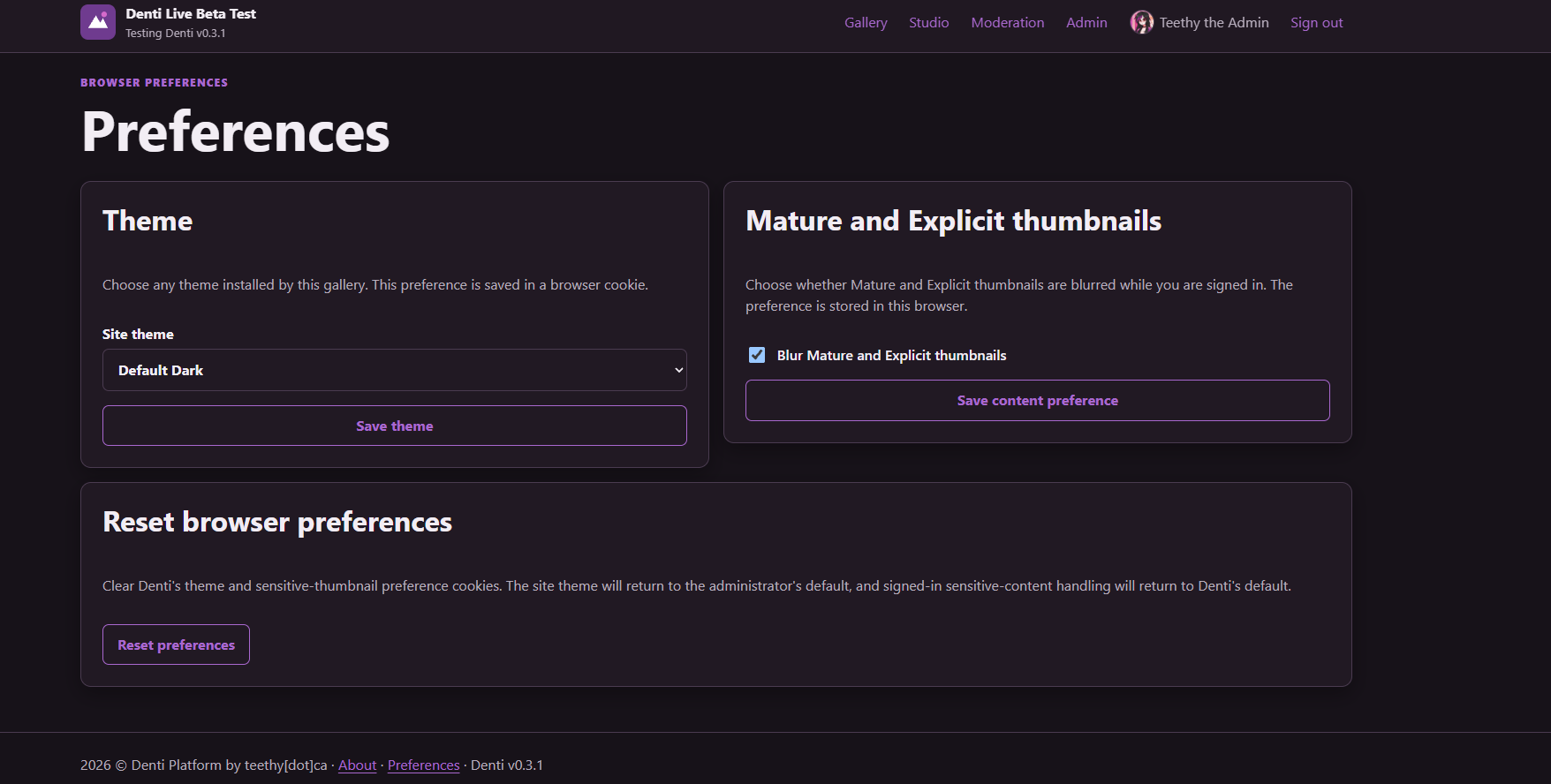
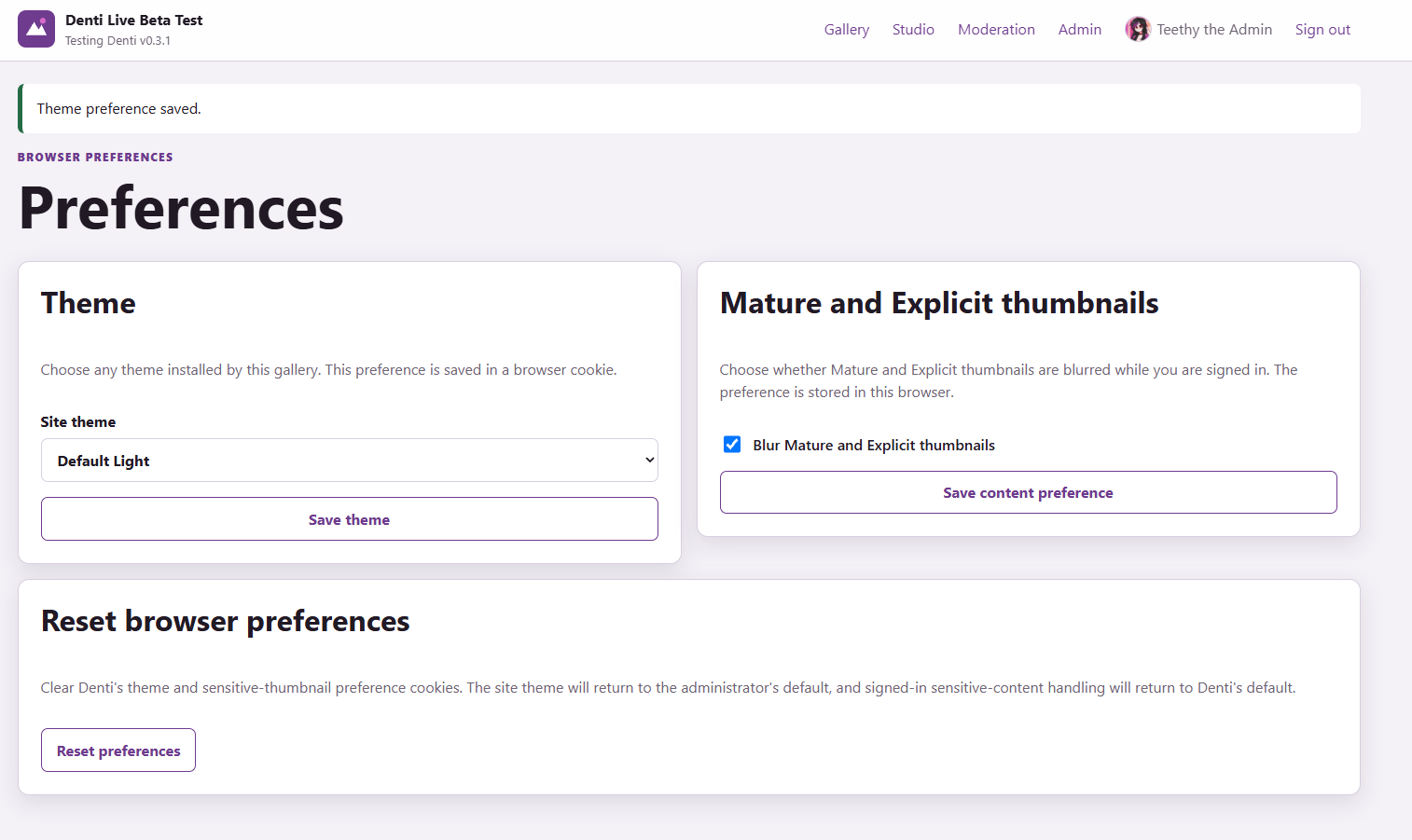
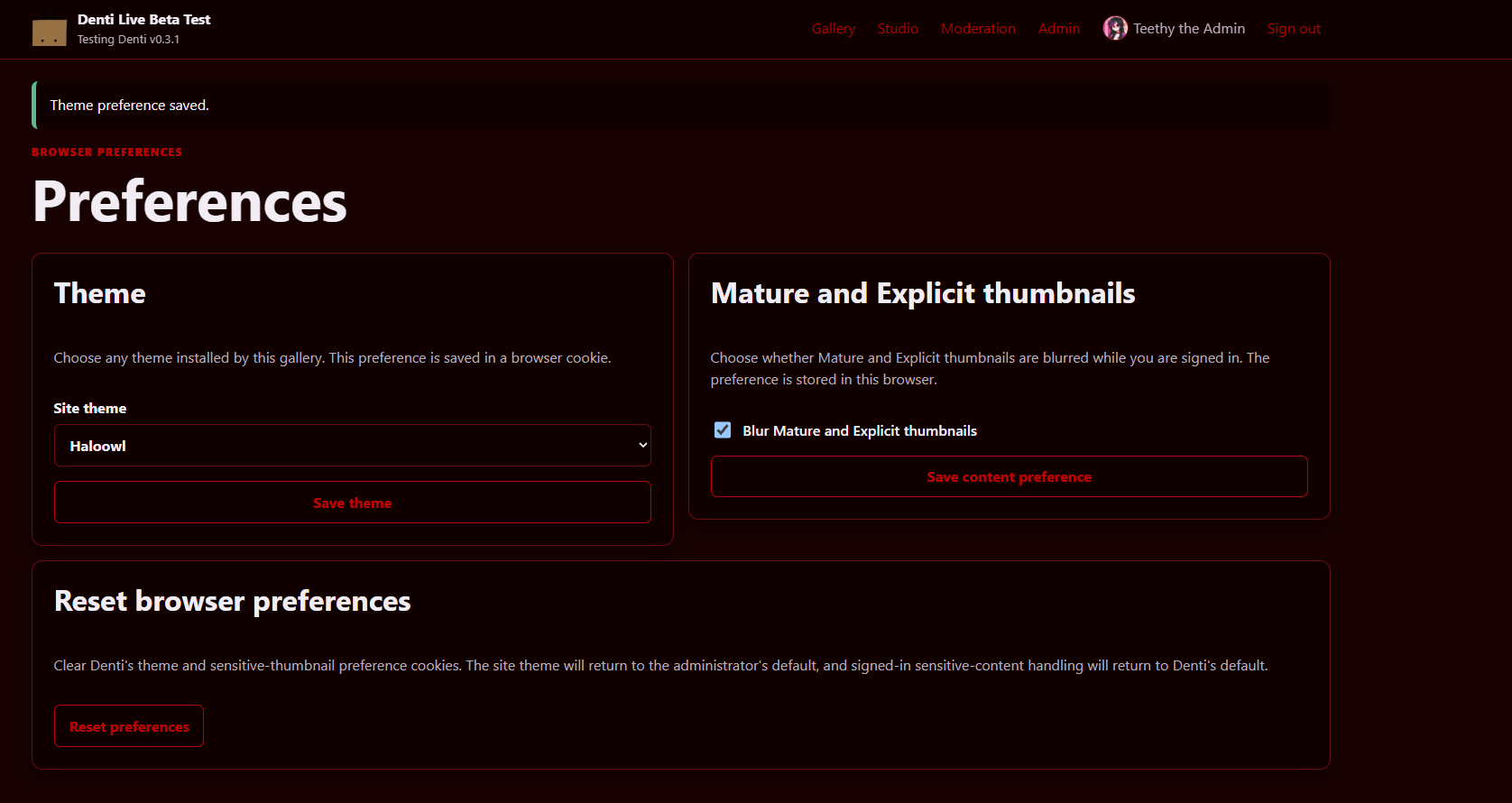
Denti also comes with a couple default themes. Putting them in the appropriate directory on the server will have it automatically detected. Look at the defaults on how to modify your own theme! Themes and user-set settings are saved as a browser cookie. Deletion of the cookie simply sets them back to the server default.
Default Dark Theme
Default Light Theme
Custom Theme Example
An install script has to be run to install it. It will ask a few questions for initial configuration, many of which can be edited later. When updating, Denti has an update/upgrade script to go to the next version.
It is unwise to skip a version, so you may need to install a few versions sequentially if you fall behind, or just re-install a clean version.
If there are edits to the database, a migration/update script will be included to make the needed changes.
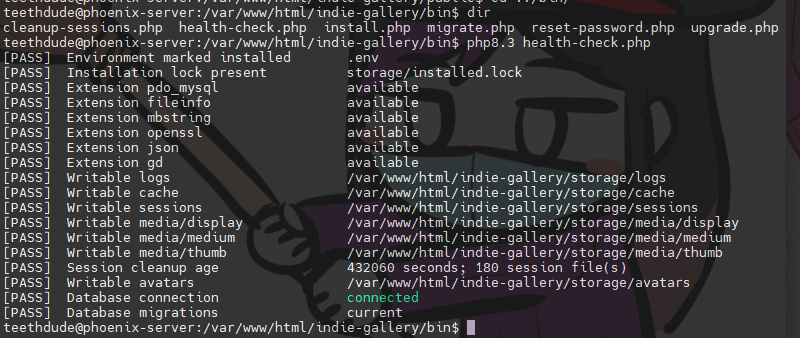
There's a few different scripts and tools to use in the
bin directory.
Health Checker Script
View it on denti.teethy.ca!

Posted on: by Teethy